Stream movies & series on any device
Watch on your phone, tablet, or Android TV. Sign in to sync your watchlist and progress across devices.
Built for watching
Everything you need to stream, nothing you don't.
Multi-server streaming
Switch between VixSrc, VidLink, Viduki, and more servers without restarting playback.
Cloud sync
Your watchlist, watch history, and continue-watching sync between your phone and TV in real time.
Fast & lightweight
Parallel server racing, pre-flight validation, and memory-pressure handling for smooth playback.
Your account, your data
Sign in with email or device code. Your watchlist and progress sync across your phone and TV.
Voice search
Find movies and series hands-free with built-in voice search and smart query parsing.
Continue watching
Pick up right where you left off with per-episode progress and automatic next-episode playback.
See it in action
A clean, modern interface designed for browsing and watching.
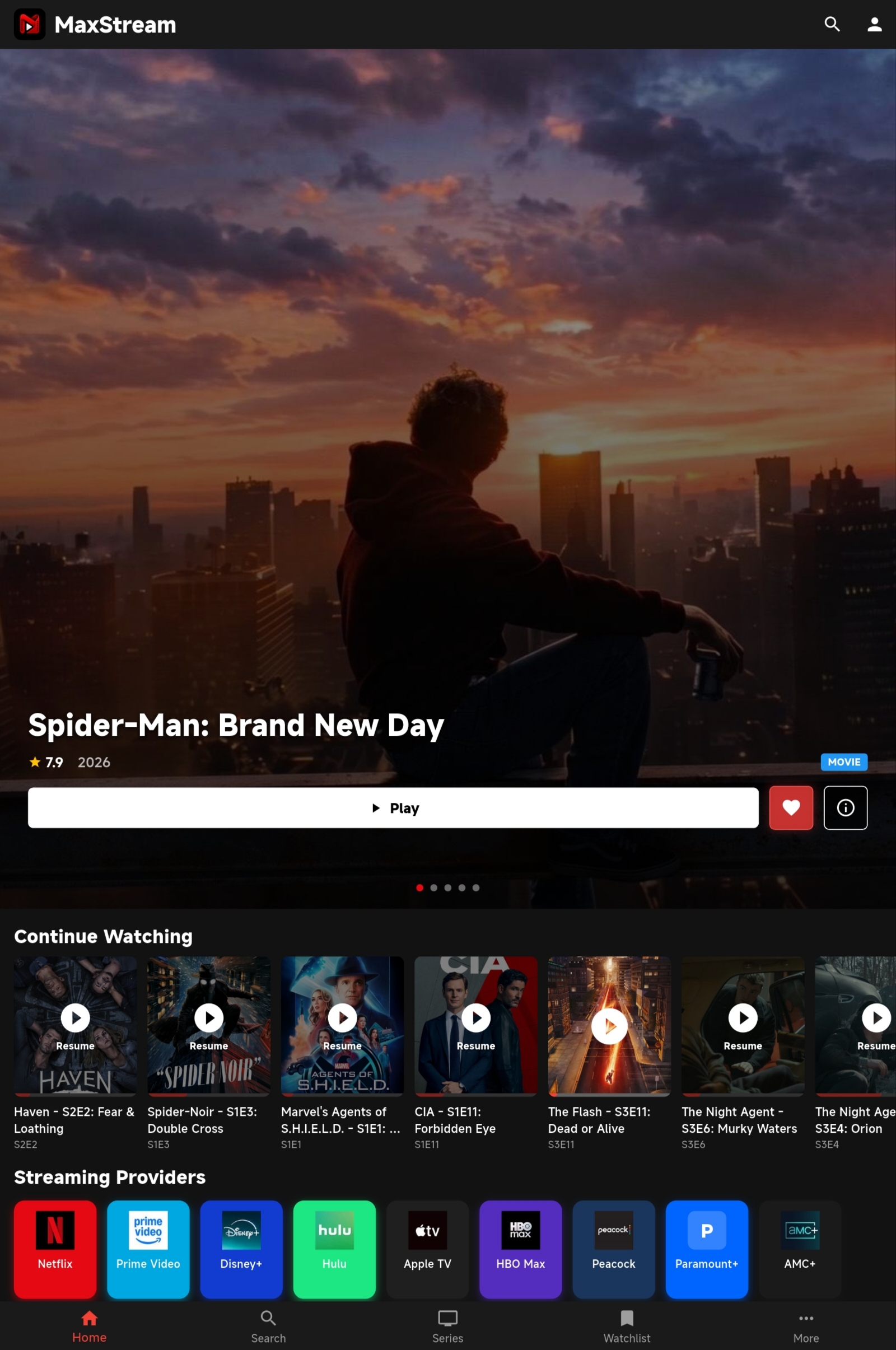
Home screen
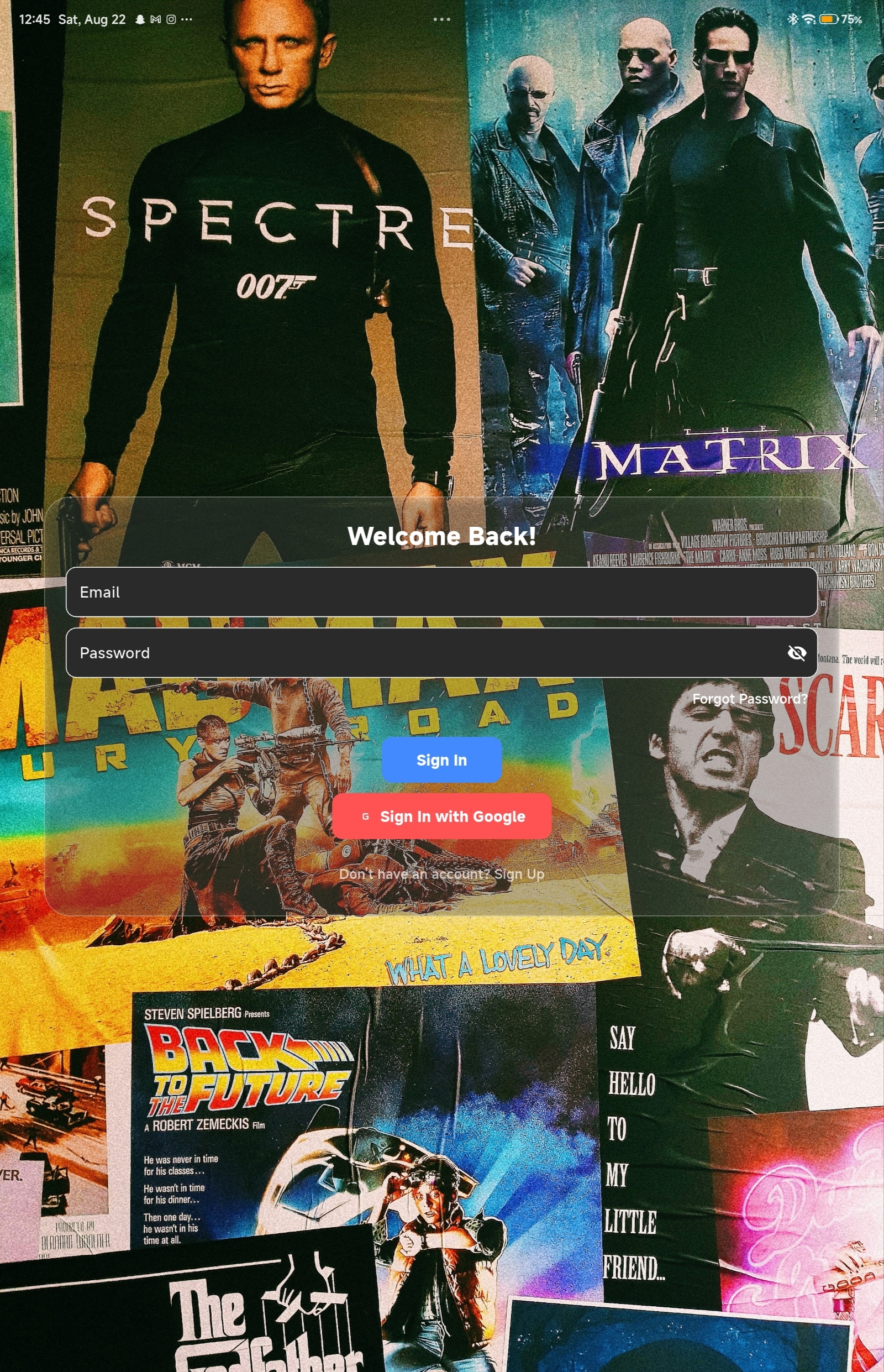
Login & Signup
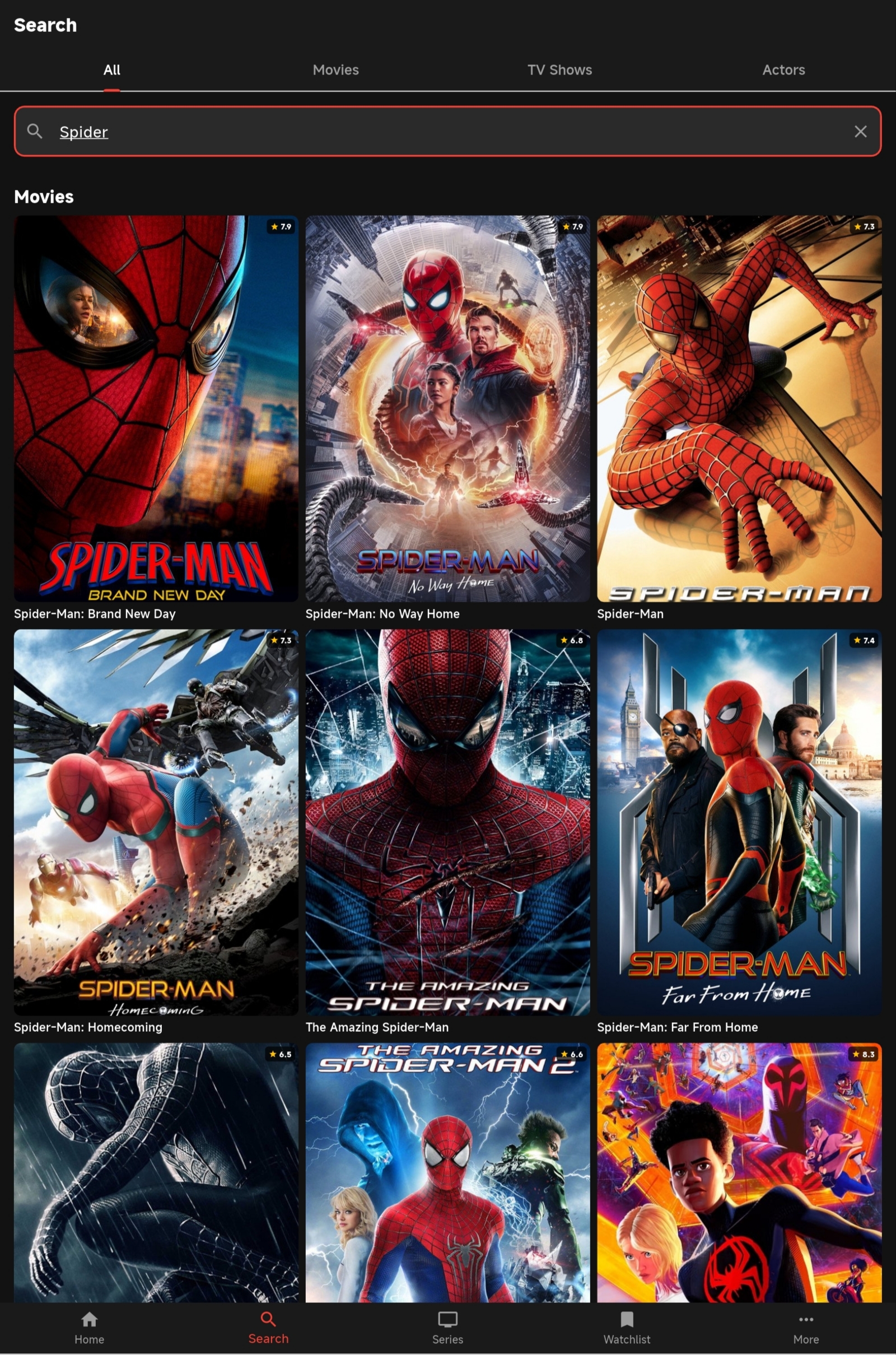
Search
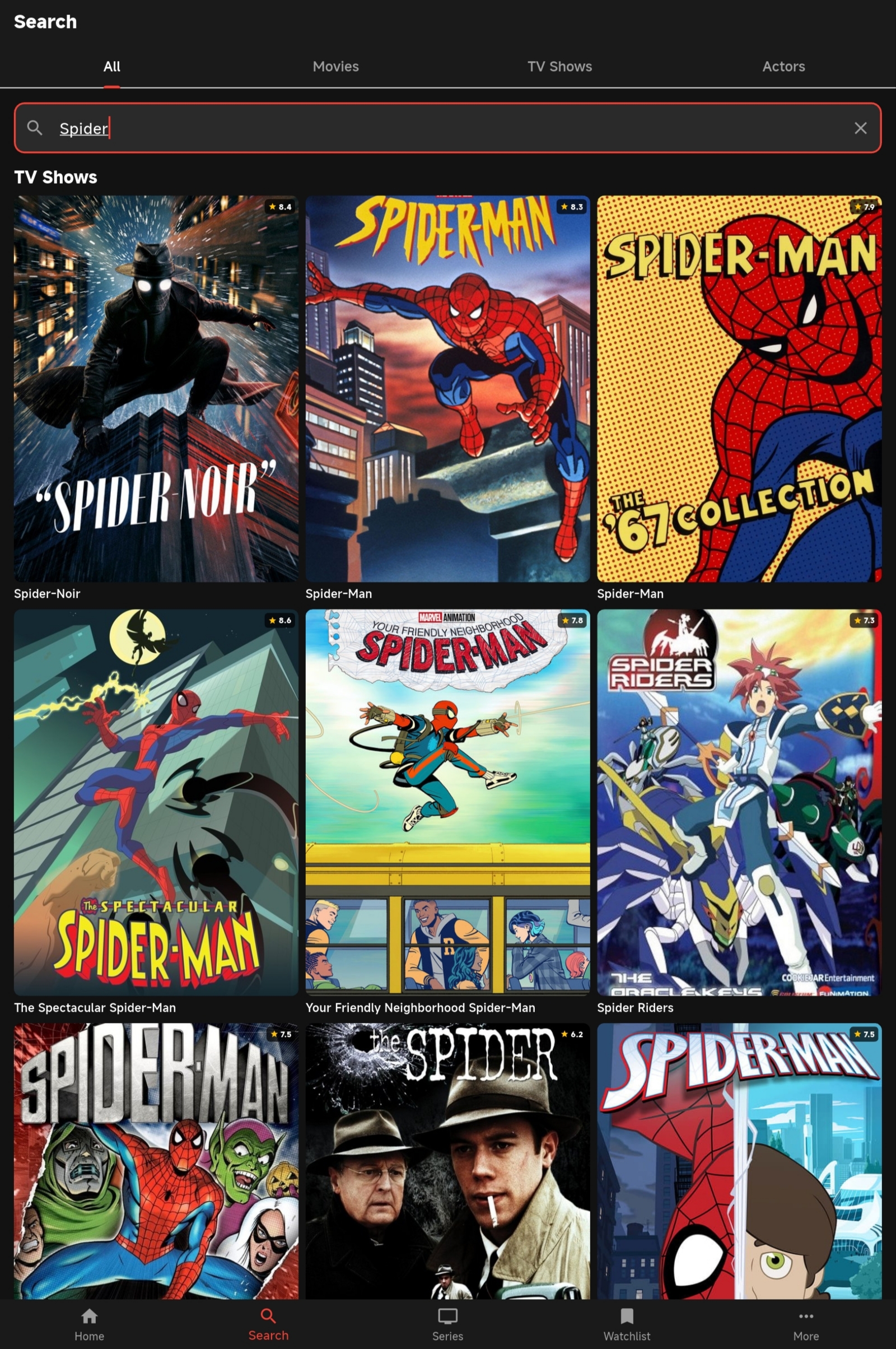
Search results
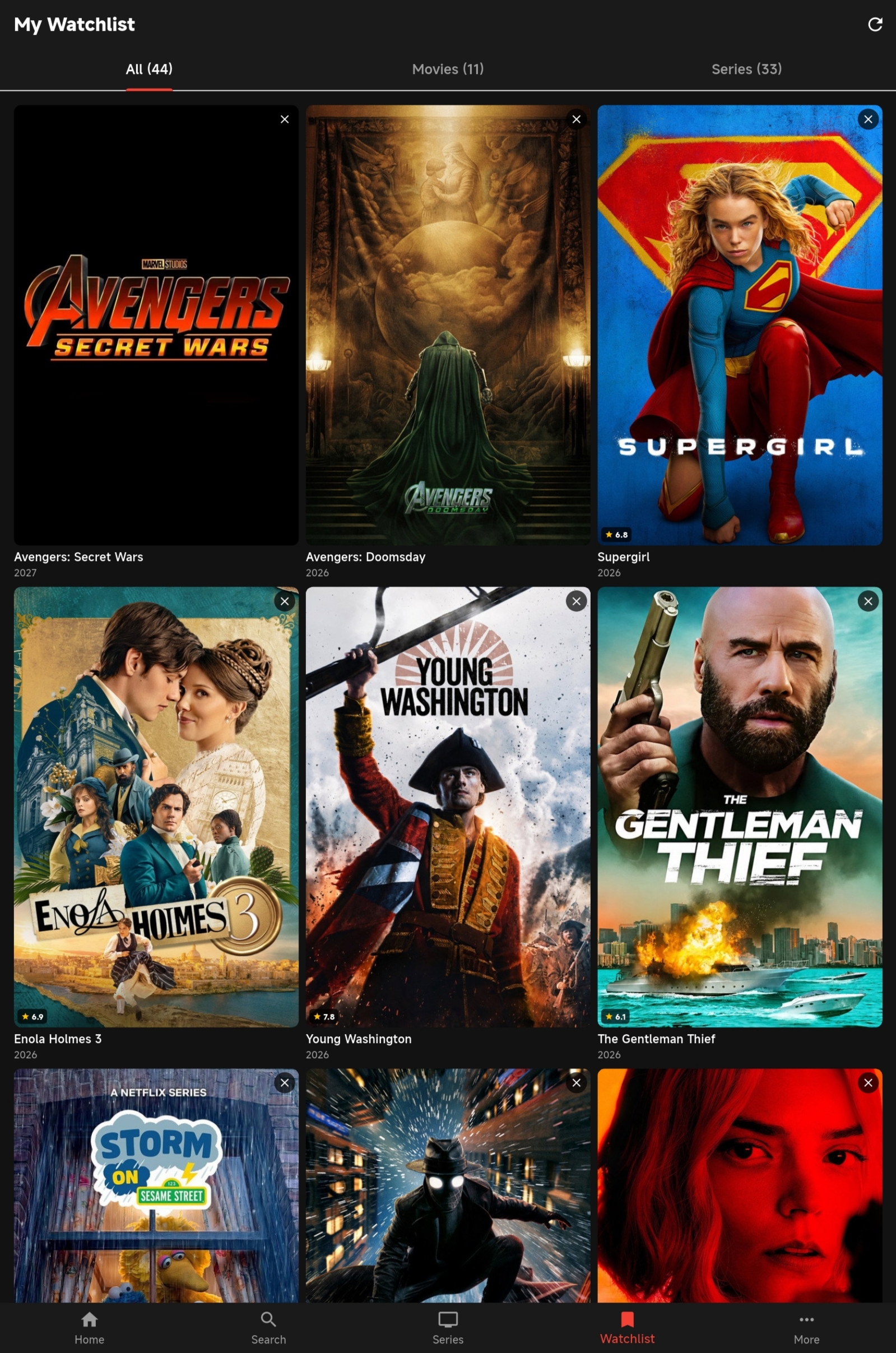
Watchlist
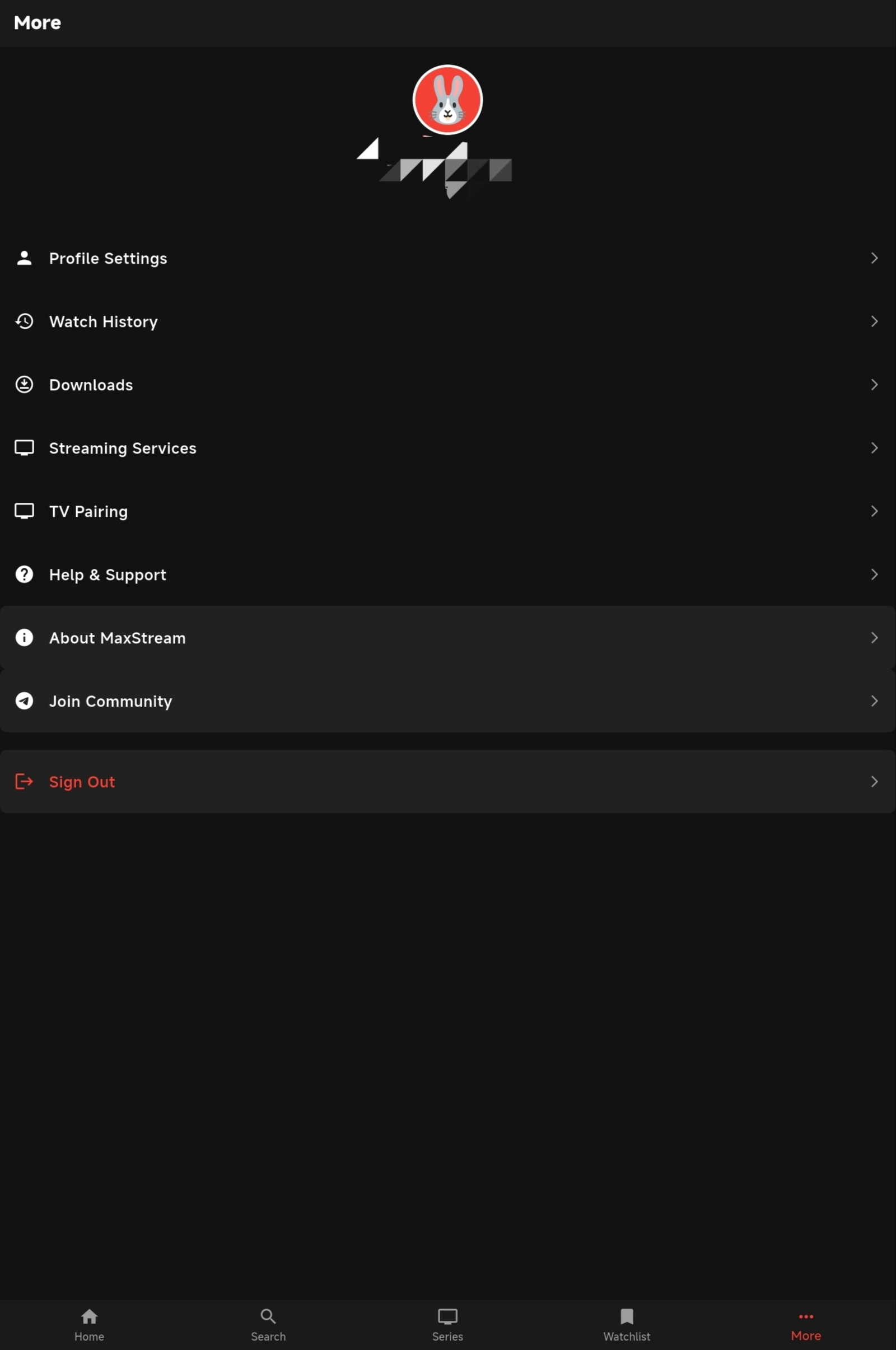
More
Download MaxStream
Free for Android phones and Android TV. Open-source on GitHub.
Frequently asked questions
Yes. MaxStream is completely free and open-source. There are no subscriptions, ads, or in-app purchases.
MaxStream runs on Android phones and tablets (Android 5.0+) and Android TV devices. An iOS version is not available yet.
You need to sign in (via email or device code) to use cloud sync. Without signing in you can still browse, but your watchlist and progress won't sync.
Download the APK from this page, then open it on your device. You may need to enable 'Install from unknown sources' in your device settings. On Android TV, use the 'Send files to TV' app or a USB drive.
Yes. Sideload the TV APK using the Downloader app or ADB. The app is built for Android TV and works on Fire OS devices.
The app checks GitHub for new releases automatically. You'll get a prompt to download and install the update in-app.